// News item
Stage Cabling – How to Avoid the Chaos
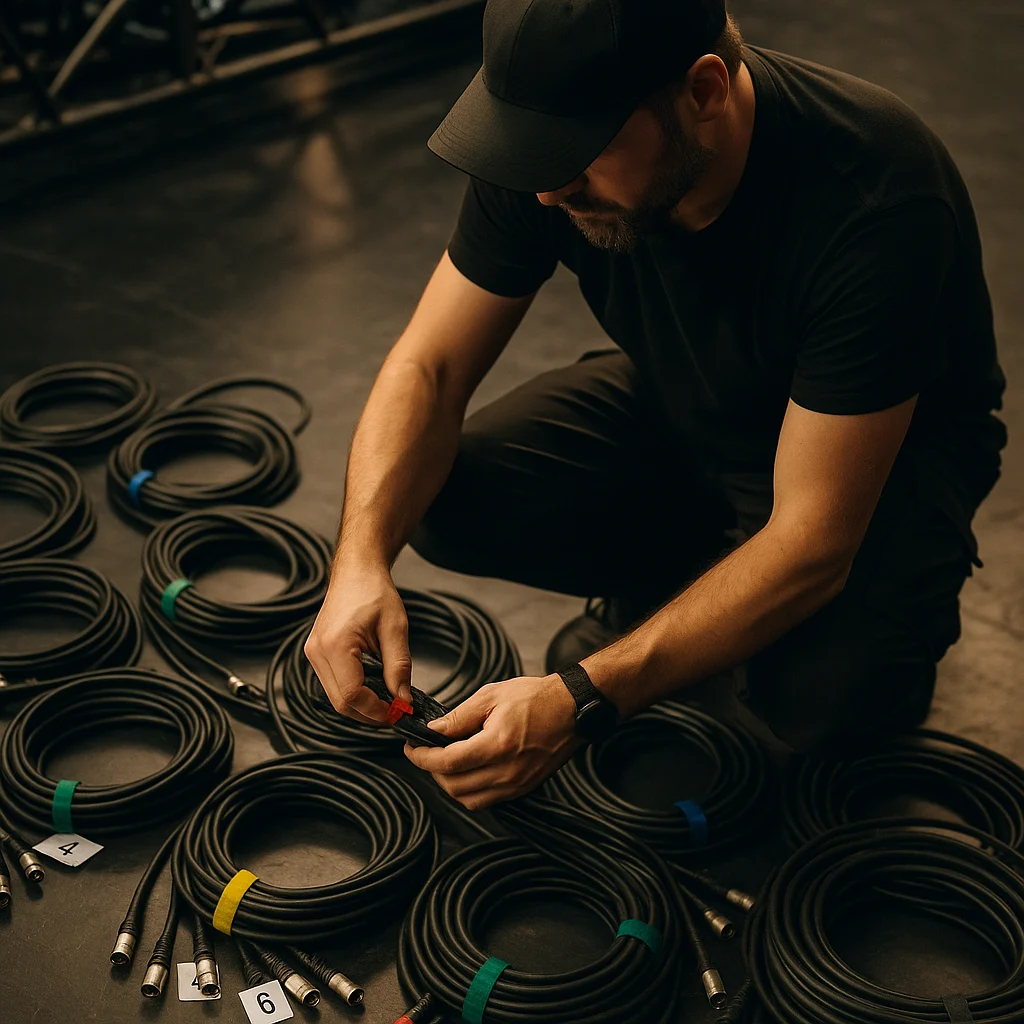
Ever had that feeling during a production where you can’t figure out which cable runs where, what’s plugged in, and you’re frantically scrambling through a cable jungle? If you nodded at least once to that question, this article is for you. Stage cabling isn’t rocket science, but it requires principles, tools, and a bit of organization. Follow these, and at your next show you’ll be the one calmly sipping coffee during soundcheck while others are still hunting for the power cable.
We’ll walk you through step-by-step how to build a transparent, safe, and quickly modifiable cable system – whether it’s a small club gig or a festival stage.
1. Plan the System in Advance – on Paper or in an App
The first and most important step is to never start blindly running cables. First, draw a simple sketch showing FOH, the stage, backline positions, PA, monitors, lighting, and power distribution. You don’t need AutoCAD – a piece of paper or a Notability sketch on a tablet works fine.
The key is to see:
- How many mic stands there will be, in which zones
- Where the DI boxes and active devices are
- What cable lengths you need (don’t stretch them to the max, but don’t leave 10-meter loops either)
- Where power runs, so you don’t cross audio signal paths
Once you have the plan, you can compile your list: how many XLRs, how many TRS, what lengths, and how much multicore you need. This saves time and reduces the chance of discovering on-site that you’re missing three 10-meter XLRs.
2. Separate Signals – Audio, Power, DMX
The most common mistake is running all cable types in one bundle. This guarantees noise, hum, and chaos. Always separate three main cable types:
- Audio signals: XLR for microphones, TRS/Jack for line signals, Speakon for speakers.
- Power cables: Schuko, powerCON, CEE – these should never run parallel to audio for long distances.
- Control signals: DMX for lights, Ethernet for AoIP or control networks.
If you must cross them (e.g., power cable crosses near a microphone on stage), do it at right angles, not parallel. Parallel runs = induction = hum in the sound.
Practical tools for this: cable channels, hook-and-loop cable ties with color coding (e.g., red for power, black for audio, blue for DMX), and hook-and-loop cable organizers that you can reattach anytime.
3. Label Your Cables – Always, Everywhere
You often hear: „I’ll remember it.” Then a technical break comes, someone unplugs something, and nobody knows if that cable was channel 4 or the compressor insert. Label everything.
You can use:
- Adhesive cable labels (writable with marker, easily replaceable)
- Heat-shrink markers (more durable, but need a heat gun)
- Colored electrical tape for temporary marking (quick, but less aesthetic)
- Professional cable label printer if you’re serious (e.g., Brother P-touch series)
Label both ends: „Kick IN” and „Kick → Stage Box 1”. If you’re using multicore, label the breakout branches too. A well-labeled system saves half an hour of work at soundcheck.
4. Build Modularly – Stage Box, Tie Line, FOH
The classic method: a stage box (or two, left-right) on stage where all sources connect, then a multicore runs to the mixer. This is order, clarity, and if there’s a problem, you know exactly where to look.
The modern alternative: digital stage box (e.g., Midas DL16, Behringer SD8, etc.) with cat5e/cat6 cable or fiber optic to the mixer. Advantages: fewer cables, easier transport, low latency, remote gain control.
Whether analog or digital: always have a spare line in the multicore. If a channel fails, you can patch to another without having to run new cable.
5. Cable Management During the Show – Securing, Protection, Marking
What the audience sees (or steps over) must be secured. What runs on stage should be tidied up or marked so nobody trips over it and nothing gets yanked out during an accident.
Use:
- Cable ramps: where audience or performers walk
- Gaff tape: but don’t stick it directly to the cable, stick it to the floor over the cable. Black, matte, doesn’t reflect light.
- Hook-and-loop cable ties: bundle excess length, don’t leave loops.
- Cable reels: for cables not in use, wind them up, don’t leave them scattered.
Attention: never wind cables too tightly, especially thick multicores. Wrap them loosely using „over-under” technique, so they don’t twist and won’t tangle when unwinding.
Final Tips – What Else Is Worth Knowing
A few details that can make a big difference in the final result:
- Always bring spare cables of every type – XLR, TRS, power cable. At least 2 of each.
- Use quality connectors: Neutrik, Amphenol – these don’t come loose, don’t break during soundcheck.
- Test cables regularly: with a cable tester (e.g., Behringer CT100) you can quickly spot broken cores, cold solder joints.
- Train your crew: if everyone understands the system, everyone can react faster.
- Take a photo of the cabling after setup – if you’re at the same venue next time, you’ll see how everything was connected.
Good cabling isn’t spectacular, but it’s noticeable. You won’t get applause for it, but you’ll definitely avoid stress, technical accidents, and the „where the hell is the bass guitar signal” type of panic. In summary: plan, separate, label, secure – and enjoy finally having everything in its place.